
How To Create Expandable Post Summaries

This tutorial will help you to add expandable post summaries to your blogger blog. After following the steps given here, you can hide (collapse) a portion of each post content and add a "read more" link so that the text can be viewed by the user if he or she wishes. By default, the expanded content is followed by a "read less" link that the user can click to re-collapse it.
1. Go to "Edit HTML" of your blog.
2. Add this code into the head section of your template. (It is better to add it just after </b:skin> tag)
<b:if cond='data:blog.pageType != "static_page"'>
<b:if cond='data:blog.pageType != "item"'>
<b:if cond='data:blog.pageType != "error_page"'>
<script src='https://ajax.googleapis.com/ajax/libs/jquery/1.12.4/jquery.min.js' type='text/javascript'></script>
<script src='https://cdnjs.cloudflare.com/ajax/libs/jquery-migrate/1.4.1/jquery-migrate.min.js' type='text/javascript'></script>
<script src='https://cdnjs.cloudflare.com/ajax/libs/jquery-expander/1.7.0/jquery.expander.min.js' type='text/javascript'></script>
<script type='text/javascript'>
//<![CDATA[
jQuery(document).ready(function($) {
$('.post-body').expander({
slicePoint: 280,
expandText: 'read more',
expandPrefix: '… ',
userCollapseText: 'read less',
userCollapsePrefix: ' ',
summaryClass: 'post-body-summary',
detailClass: 'post-body-details',
moreClass: 'post-body-read-more',
lessClass: 'post-body-read-less',
});
});
//]]>
</script>
</b:if>
</b:if>
</b:if>If you have already added jQuery into your template, you can remove below lines from the above code:
<script src='https://ajax.googleapis.com/ajax/libs/jquery/1.12.4/jquery.min.js' type='text/javascript'></script> <script src='https://cdnjs.cloudflare.com/ajax/libs/jquery-migrate/1.4.1/jquery-migrate.min.js' type='text/javascript'></script>
Note:
slicePoint: the number of characters at which the contents will be sliced into two parts.
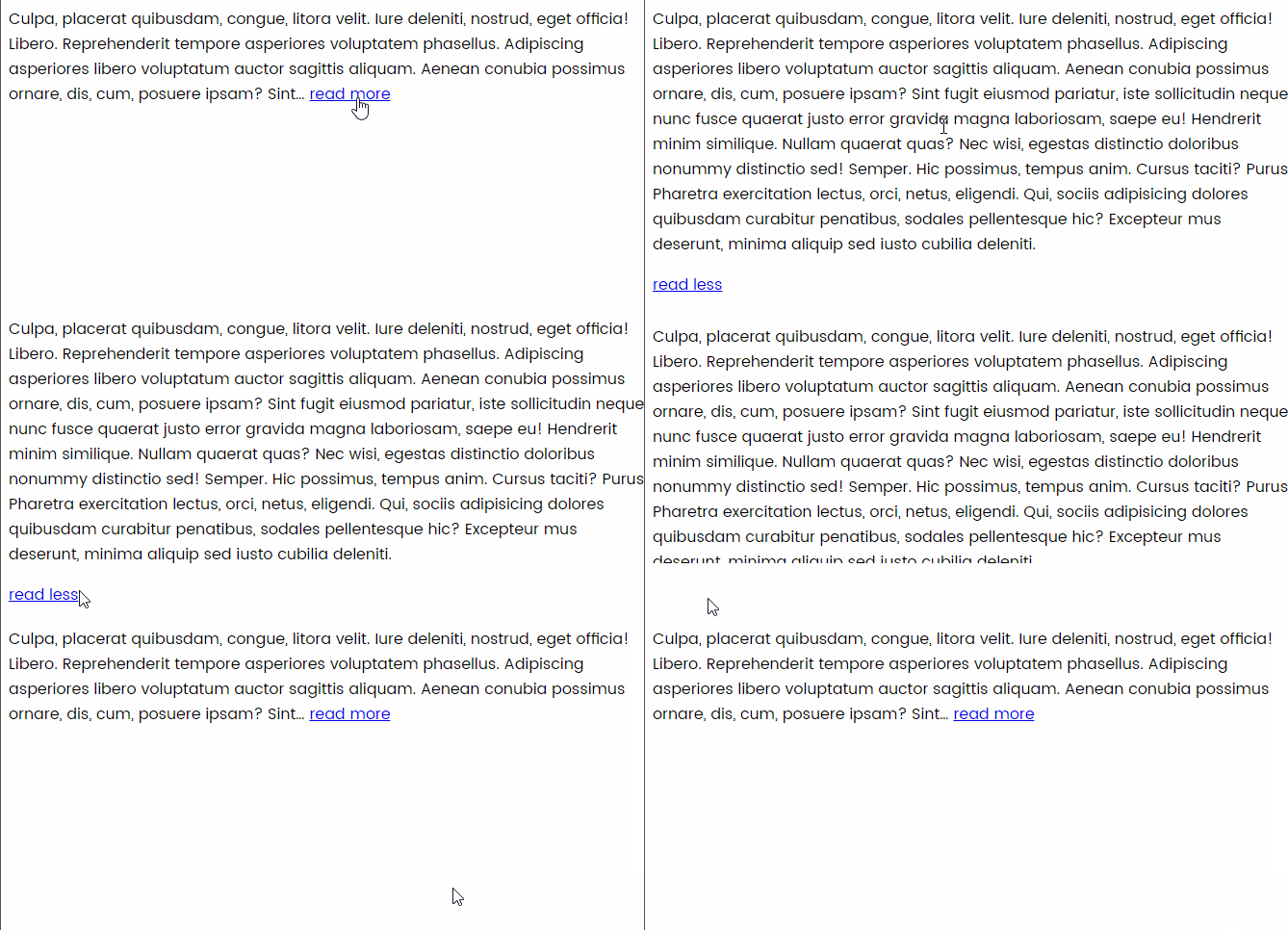
3. Now save your template and refresh your site. Final result will look like this:
 Reviewed by admin
on
February 12, 2026
Rating:
Reviewed by admin
on
February 12, 2026
Rating:
.jpg)


No comments: